
Introduction
Singapore is a small, dense, card-and-QR market where buyers expect a parcel within a day or two and are used to paying with a scan. A store built for somewhere else will work, but it will lose sales at checkout and at delivery.
This is the checklist we would work through on a Singapore store brief, in the order the decisions have to be made.
1. Pick the platform by who runs the store
Shopify suits a store run by people who are not technical, with a conventional catalogue. WooCommerce suits unusual product options that would each become a paid Shopify app. Custom code is for when checkout speed and catalogue logic decide revenue. Our WooCommerce and Shopify comparison goes into the trade-offs in detail.
2. Put PayNow at checkout
PayNow, the QR and phone-number bank transfer system, is how a lot of Singapore shoppers prefer to pay, so offer it alongside cards. Gateways such as Stripe, Adyen, HitPay and 2C2P support Singapore stores; buy-now-pay-later through Atome and wallets such as GrabPay are also common.
Choose by which methods your buyers use, the fees on your average order, and how quickly you can be approved. Start the application early; approval needs your company documents and is the step most likely to delay a launch.
3. Show prices with GST included
Singapore GST is 9%, and shoppers expect the price on the product page to be the price they pay. Set the store up with GST-inclusive prices and a checkout that shows the GST amount, and have your accountant confirm the invoice format before launch.
4. Handle personal data under the PDPA
Singapore's Personal Data Protection Act governs what you collect at checkout and signup. In practice: collect only what the order needs, ask for marketing consent separately rather than pre-ticking a box, and keep marketing messages to Singapore numbers in line with the Do Not Call rules. Your adviser should confirm the details; the store should make the right thing the default.
5. Delivery as fast as the city
In a city-state, buyers expect next-day or same-day delivery. Connect the store to your courier so labels and tracking come from the order rather than being typed in by hand. On our rate card each third-party integration, a courier included, is priced separately; payment gateway integration is included in every store.
6. Make it fast on a phone
Most shoppers browse on a phone. Check the store on a mid-range phone on mobile data before launch, and treat Google's Core Web Vitals as a launch requirement, not a later fix.
What a Singapore store costs
| Package | WooCommerce or Shopify | Custom-coded |
|---|---|---|
| Standard | S$50–S$60 | S$670–S$770 |
| Premium | S$80–S$90 | S$1,070–S$1,230 |
| Custom functionality | S$80–S$90 | S$1,330–S$2,670 |
SGD figures are approximate, at ₹96 and S$1.28 to US$1 (September 2026). Quotes are issued in INR. Gateway fees, courier charges and any Shopify plan are paid by you to those providers. Support after launch starts at ₹2,000 (about S$30) a year. The full breakdown is on our Singapore cost guide.
Stores we have built
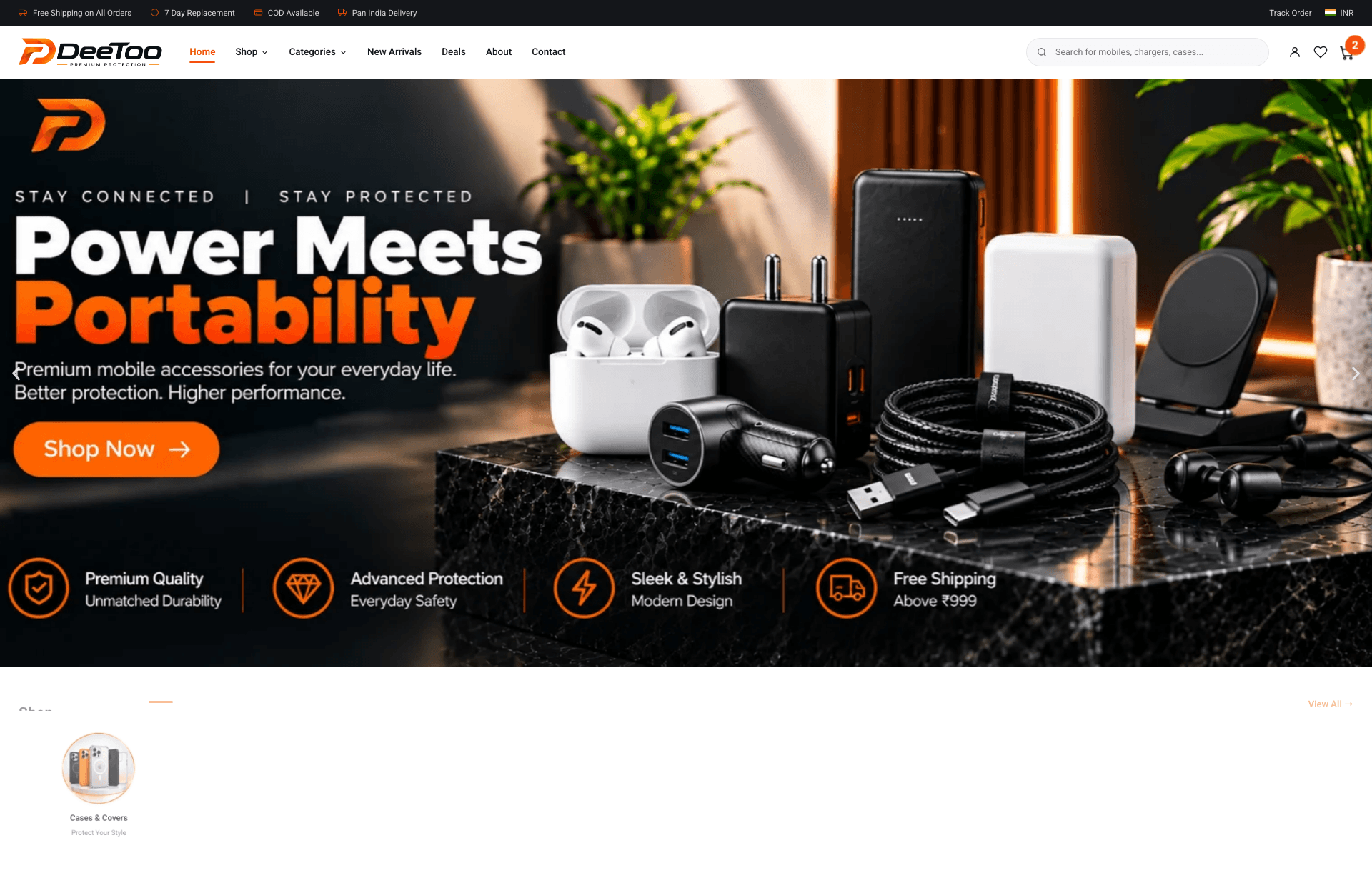
DeeToo is a WooCommerce store carrying 12 brands across 8 categories. Vashtara Heaven is a Shopify store selling from several designer studios, each shipping its own orders. TatVivah Trends is a multi-vendor marketplace with more than 3,000 products. All three are Indian stores; the payment, delivery and catalogue problems they solve are the same ones a Singapore store faces.
If you are building a store for Singapore, see website development for Singapore businesses, or message us with your catalogue size and the payment methods you want to offer.
Conclusion
The platform is the easy decision. The work in a Singapore store is PayNow and gateway approval, GST-inclusive pricing, PDPA-safe forms and delivery that keeps up with the city, so settle those in the first week, not the last.