
When custom software makes sense, and when it does not
Ready-made clinic management software is affordable, quick to start and good enough for many single-doctor practices. Stay with it if it fits. Custom software earns its cost when one or more of these is true:
- You sell treatment packages, sittings or memberships that a standard billing screen cannot track, such as a twelve-session physiotherapy plan paid in parts.
- Several doctors share rooms and equipment, and the schedule has to respect both.
- You run more than one branch with shared patients, stock and reporting.
- Your speciality needs its own records: dental charts by tooth, skin procedure photos taken before and after, physiotherapy progress scores, IVF cycle stages.
- You already pay for three or four tools that do not talk to each other, and staff copy data between them by hand.
- You want the system to belong to the clinic: your data, your rules, no per-user fee that grows with every new receptionist.
If none of these applies, we will say so and suggest you keep your current product.
What we build into clinic software
Patient registration. One record per patient with a unique ID, contact details, family links and referral source, so a returning patient is found in seconds by phone number or name, and duplicates are flagged rather than created.
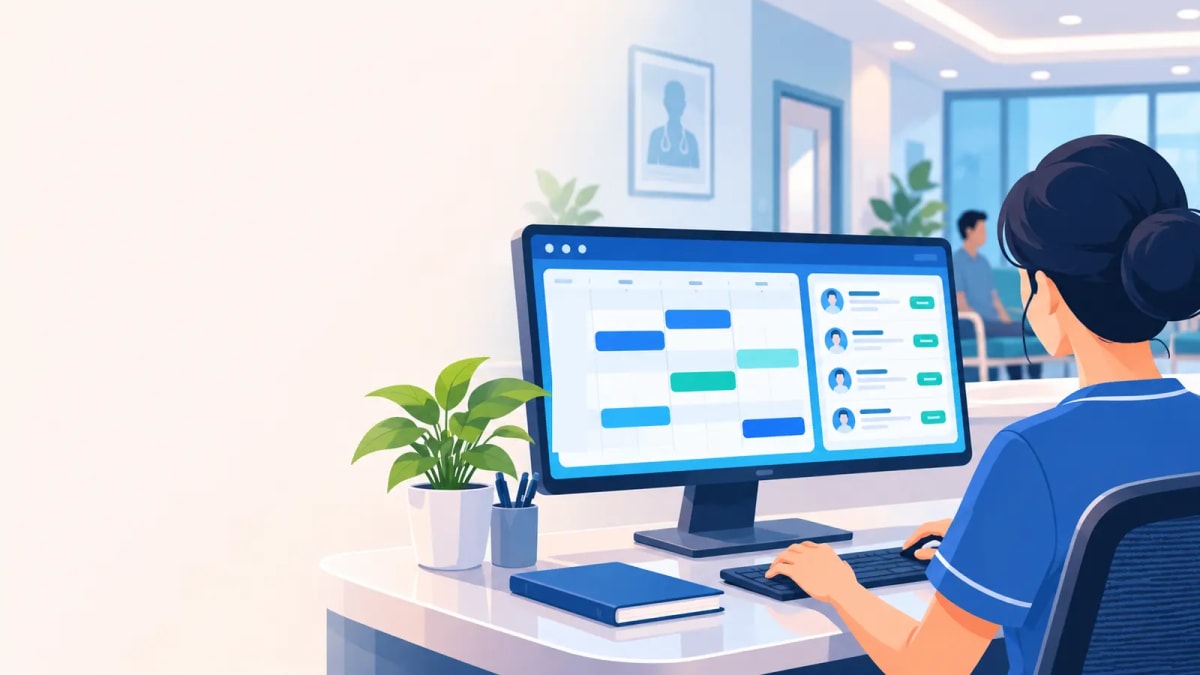
Appointments and queue. Doctor-wise and room-wise calendars, tokens for walk-ins, booked slots for appointments, and a queue screen for the waiting area if you want one. When a doctor runs late, the system shows reception who to inform.
Consultation notes and prescriptions. Templates per speciality, so a doctor records complaints, findings, diagnosis and advice with a few taps, and prints or sends a prescription on the clinic's letterhead. Frequently used medicines and advice can be saved as favourites per doctor.
Speciality records. Fields and charts that match your work: tooth-wise treatment plans for dentists, before-and-after photo sets for skin and hair clinics, session progress for physiotherapy, growth charts for paediatrics. These are what ready-made products most often get wrong.
Billing and packages. Consultation, procedure and package billing, part payments, advances and refunds, with GST handled the way your accountant advises. Daily collection reports by counter and by payment mode reduce the end-of-day mismatch between cash, cards and UPI.
Pharmacy and consumables. If you dispense medicines or use consumables in procedures, stock moves out as they are used, with batch and expiry tracking and alerts before stock runs out or expires.
Lab orders and reports. Tests ordered from the consultation, reports attached to the patient's record when they arrive, and results visible to the doctor at the next visit.
Reminders and follow-ups. SMS, WhatsApp Business or email reminders for appointments, follow-ups and package sessions, using approved message templates where the channel requires them.
Reports for the owner. Revenue by doctor, by service and by branch; new versus returning patients; package completion; no-show rates. Numbers the owner checks every week, without a spreadsheet.
Roles and what each person sees
| Role | What they do in the system | What they cannot see |
|---|---|---|
| Reception | Register patients, book and move appointments, run the queue, collect payments | Consultation notes and diagnosis |
| Doctor | See the day's list, write notes and prescriptions, order tests, view history | Other doctors' revenue reports |
| Nurse or assistant | Record vitals, prepare the patient, upload photos and documents | Billing adjustments and refunds |
| Pharmacy or store | Dispense against prescriptions, receive stock, track expiry | Clinical notes beyond the prescription |
| Accounts | Daily collections, refunds, GST reports, payouts to visiting doctors | Clinical records |
| Owner or admin | Everything, plus settings, users and audit history | — |
Access by role is not only about convenience. Clinical notes are among the most sensitive data a business can hold, and the fewer people who see them, the smaller the risk.
A morning in the system
To make this concrete, here is how a typical morning runs in a polyclinic using the kind of system we build.
At 8:45 the receptionist signs in and sees the day: three doctors, forty booked appointments, the dermatologist's procedure room blocked from eleven to one. A returning patient walks in; typing four digits of her phone number finds her record and her family members, and she gets a token for the physician. A new patient registers in under a minute, with a consent record saved.
The physician starts at nine. His list shows who is waiting and why they came; he opens the first patient, sees last month's prescription and the thyroid report that arrived yesterday, records his notes from a template and prints a prescription with two favourite medicines added in one tap. The follow-up date he sets becomes a reminder that will go out automatically.
At the pharmacy counter, the prescription is already on screen; medicines are dispensed by batch, and stock drops accordingly. A physiotherapy patient pays for the fourth of twelve sessions, and the package balance updates. At one, the owner checks her phone: morning collections by mode, two no-shows, and an alert that a frequently used injection is below its reorder level.
Nobody copied anything from one register to another. That is the test we design against.
Patient data, security and the law
A clinic system holds diagnoses, prescriptions, photos and phone numbers. We build it with that in mind:
- Each user signs in with their own account; shared logins at the reception desk are replaced with quick switching between staff accounts.
- Every change to a prescription, bill or record is logged with who made it and when.
- Data is encrypted in transit, backed up daily, and restorable; we test the restore, not just the backup.
- Patient photos and documents are stored privately and opened through short-lived links, never public URLs.
India's Digital Personal Data Protection Act, 2023 requires consent, a clear purpose and reasonable security for personal data. We build a consent record at registration and a way to act on correction and deletion requests. If you want to link records with the Ayushman Bharat Digital Mission, that involves registering with the National Health Authority and meeting its technical requirements; we scope it separately. Please confirm how the rules apply to your clinic with a qualified adviser; we build to their advice.
Moving from paper, spreadsheets or another product
Most clinics have years of patient history somewhere: registers, spreadsheets or a product's export file. We plan the move before building:
- Inventory the data. What exists, in what format, and what is worth bringing across. Old bills may not be needed; patient contact details and recent histories usually are.
- Clean and match. Duplicate patients merged, phone numbers normalised, and records matched to doctors.
- Trial import. A copy goes into a review environment, and your staff check a sample of familiar patients.
- Run in parallel. For a short period, often a week, the new system runs alongside the old one at reception so nothing is lost.
- Switch over. On a quiet day, with us on call.
How we build it
- Watch a full day. We spend time at reception, in a consultation room with the doctor's permission and with whoever closes the accounts, to see where time goes.
- Agree the first release. Registration, appointments, prescriptions and billing usually come first; pharmacy, lab and reports follow.
- Screens and rules on paper first. We draw the main screens and write the rules in plain language, such as how a package session is deducted or how a refund is approved, and each role reviews its part.
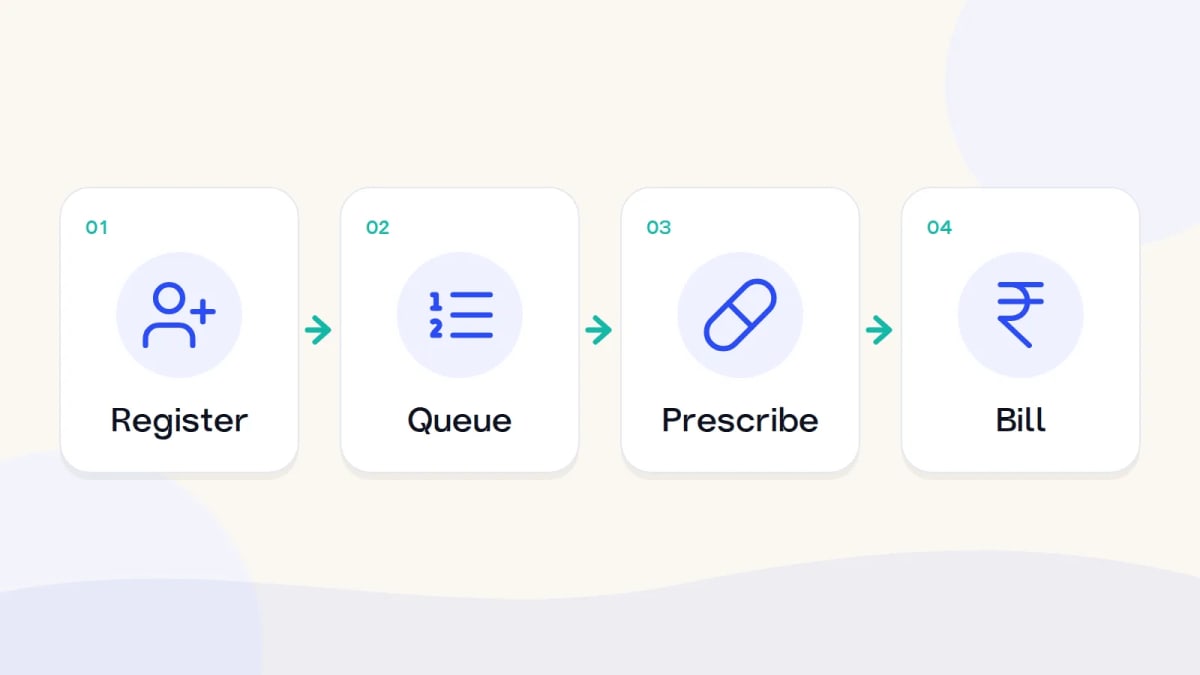
- Build in working slices. One full path, such as registration to bill, goes into a review environment first, then the exceptions.
- Move the data and train. Records imported and checked, short training for each role, and a launch on a quiet day.
- Support after launch. We fix issues quickly in the first weeks and plan the next set of improvements with you.
For a browser-based system, a typical stack is React or Next.js with TypeScript, Node.js APIs and PostgreSQL, with Supabase for managed database and sign-in where it fits. It runs on the computers and tablets you already have, in any modern browser, and can sit alongside a clinic app for patients that books into the same calendar. We document the choice and the reason in the quote.
Working with the hardware in a clinic
Clinic software meets real equipment: receipt and prescription printers at reception, barcode scanners in the pharmacy, a television in the waiting area for the queue, and sometimes devices that produce reports as files. We check what you have during discovery and design around it. Where a device can export files or connect through a supported method, we bring its output into the patient record; where it cannot, staff upload the report in two clicks.
Adjacent proof
- The Grafftee (adjacent: an HR and recruitment company). A Next.js platform with service modules, an integrated demo-booking form with calendar scheduling and contact forms feeding a central CRM, built so every enquiry is tracked to a follow-up. Read the case study.
- Lady Scooty Trainer (adjacent: a training service). A booking site whose consultation form captures location, experience and preferred time slot, with two structured course tracks, much like a clinic's single visits and multi-session plans. Read the case study.
What affects the cost
We do not publish prices. The main factors are the number of roles and branches, the speciality records you need, packages and billing rules, pharmacy and lab modules, messaging channels, hardware to connect, and the amount of old data to move. You get a fixed written quote within one working day of a clear brief, milestone approvals and a 50% advance to start.
Case studies
Adjacent work · another industry
The Grafftee
Comprehensive HR & talent acquisition platform for India's leading recruitment and workforce solutions company.
Read the The Grafftee case studyAdjacent work · another industry
Lady Scooty Trainer
Booking platform for a women-only scooty training service across Delhi NCR — free-consultation funnel, course pages and CSR partnerships.
Read the Lady Scooty Trainer case study
Frequently asked questions
What is clinic management software?
Software that runs a clinic's daily work in one place: patient registration, appointments, consultation notes and prescriptions, billing, stock and reports.
Why build custom clinic software instead of buying one?
When your packages, specialities, branches or billing rules don't fit a ready-made product. If one fits, keep it; we will say so.
How much does custom clinic management software cost in India?
It depends on the modules, roles, branches and data migration. We don't publish prices; you get a fixed written quote within one working day of a brief.
Can you move our existing patient records into the new system?
Yes. We clean and match the records, import a trial copy for your staff to check, and run both systems side by side briefly before switching.
Can it handle multiple branches?
Yes. Patients, stock and reports can be shared across branches, with each branch's staff seeing only what they need.
Can doctors use it on a tablet or phone?
Yes. It runs in any modern browser, so doctors can use a tablet in the consultation room or check the day's list on their phone.
Is patient data secure?
Access is by role, every change is logged, data is encrypted in transit and backed up daily. We build consent and deletion requests for the DPDP Act; please confirm your obligations with a qualified adviser.
Can it send appointment reminders on WhatsApp?
Yes, through the WhatsApp Business API with approved message templates, or by SMS or email if you prefer.