
Who this is for
- Clinics where most bookings still arrive by phone and the receptionist keeps a paper register or a spreadsheet.
- Practices whose patients come back regularly: dental treatment plans, physiotherapy sessions, diabetes and thyroid reviews, antenatal visits, skin and hair procedures done in sittings.
- Polyclinics with several doctors and specialities, where patients need to see who is available on which day.
- Clinics with two or more branches that want one app, with each patient choosing the nearest branch.
- Doctors who already offer video consultations through a general calling app and want them inside their own booking flow.
If you mainly need new patients to find you on Google, start with a clinic website. An app serves people who already know your clinic and will visit again; a website is how strangers find you.
What goes into a clinic app
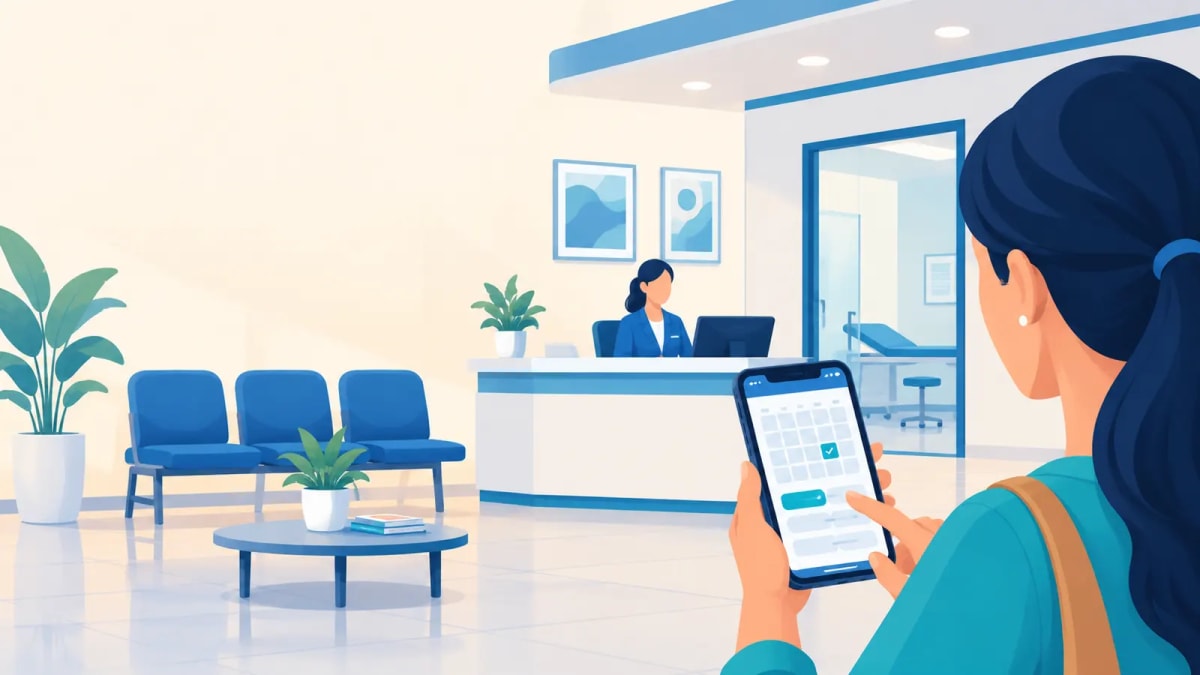
Doctor schedules and slot booking. Patients see each doctor's days and time slots and book one that is free. Your staff set the rules: slot length per doctor, how many walk-in slots to keep open, how far ahead patients can book, and when booking for the same day closes.
Token and queue updates. Many Indian clinics run on tokens rather than exact times. The app can show the patient's token number and the token being seen now, so they can wait at home or in a nearby shop instead of a crowded waiting room. Reception updates the queue from a simple screen.
Reminders. Notifications the day before and on the morning of the visit, and recall reminders for reviews the doctor has asked for, such as a follow-up in two weeks or a six-monthly dental check. Reminders reduce missed appointments, and missed slots are lost income for a clinic.
Reports and prescriptions. Lab reports, scans and prescriptions uploaded by your staff appear in the patient's app, so the patient does not need to collect paper or forward a PDF from a chat. Each family member's records stay separate.
Family profiles. One phone number often books for a parent, a spouse and children. The app lets one account manage several patients, each with their own history.
Payments. Consultation fees or advance booking amounts through Razorpay, with a receipt in the app. Whether to take payment at booking or at the counter is your decision; many clinics take it at the counter and use the app only for booking.
Video consultations. Where your doctors offer them, a video consultation can be booked and joined from the same app. The calling service has its own running cost, which we agree with you and state in the quote.
Directions and clinic information. Timings, holidays, parking and a map link, managed by your staff so patients always see this week's hours.
A screen for reception, not just for patients
A patient app only works if the reception desk can run it without extra effort. Alongside the app we build a simple web screen for your staff: today's bookings by doctor, walk-ins added in a few taps, tokens moved forward, a doctor marked as late or on leave with affected patients notified, and reports uploaded against the right patient. If you already use clinic management software, we look at whether it can share appointments and patient records with an app before suggesting anything new. If it cannot, we can build a small booking back office now and connect it later, or build custom clinic software as a separate project.
Patient data and privacy
A clinic app holds health information, which patients rightly treat as private. We design for that from the first screen:
- Patients sign in with their mobile number and a one-time password, and the app asks for nothing it does not need.
- Reports and prescriptions are stored with access limited to the patient's own account and your authorised staff, and every staff view of a record can be logged.
- Health data is not sent to advertising or analytics tools, and notifications do not show diagnosis or test names on a locked screen.
- Data is backed up, and you decide how long records are kept.
India's Digital Personal Data Protection Act, 2023 sets rules on consent, purpose and security for personal data, and health data deserves the most care. We build a clear consent step at sign-up and a way for patients to ask for their data to be deleted. How the law applies to your clinic, and whether you need any registration, is a question for a qualified adviser; we build what they advise.
Video consultations and the rules around them
Doctors in India who consult by video follow the Telemedicine Practice Guidelines issued in 2020. The guidelines cover how a doctor identifies the patient, which consultations suit video and what can be prescribed remotely. We do not interpret medical rules for you. What we can do is build the steps your doctors need, such as identity confirmation before the call, consent recorded in the app and a prescription issued from the doctor's account, so the app supports the way your doctors already practise within those guidelines.
Linking to India's digital health records
Some clinics want patients to link their ABHA number (Ayushman Bharat Health Account) so records can be shared through the Ayushman Bharat Digital Mission. That integration involves registering with the National Health Authority and following its technical requirements. If you want it, we scope it during discovery and tell you what it involves before you commit; most small clinics start without it and add it later.
Ready-made clinic app or your own?
Many clinic management products include a patient app under their own brand, and doctor listing platforms let patients book you through their app. Both are quick to start. The trade-offs are that the patient relationship sits on someone else's app, other doctors may be listed next to you, and your booking rules have to fit their template.
Your own app costs more at the start. It is published under your clinic's Google Play developer account, shows only your doctors, and follows your clinic's real rules: token or time slots, walk-in quotas, branch timings and recall intervals. If you are a single doctor with a simple timetable and few repeat visits, a listing platform or a booking link on your website may be enough, and we will tell you so.
How we build it
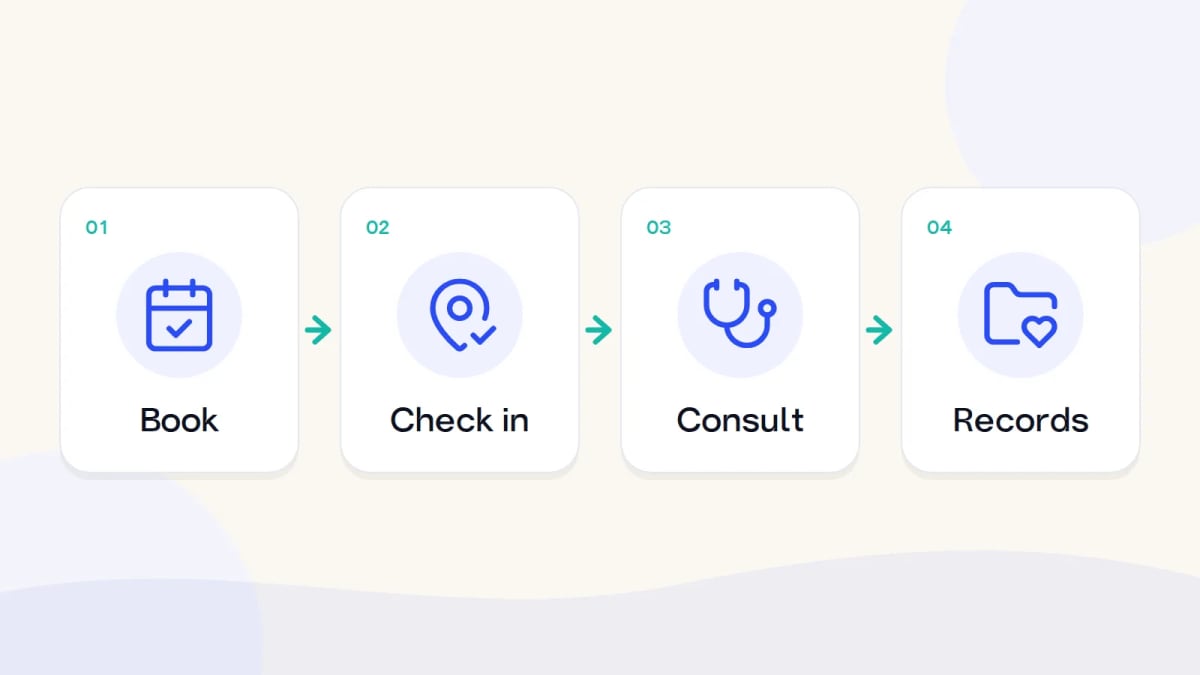
- Map the visit. We sit with reception and at least one doctor and follow a patient from the first call to the follow-up visit, including what happens when a doctor runs late.
- Agree the first release. Booking, queue, reminders and reports usually come first; payments and video can follow.
- Prototype. You tap through a prototype before any code is written, and reception tries the staff screen with real examples from a busy day.
- Build in short cycles. We build in Kotlin with Jetpack Compose, keep the patient's upcoming visits and recent reports available on the phone with Room, and send reminders through Firebase Cloud Messaging. You get a test build every one or two weeks through a private testing track.
- Test on real phones. We test on a range of Android phones, including the low-cost and older models many patients use, with large text settings switched on, because many patients are older.
- Release. We prepare the Play Store listing and submit through your clinic's Google Play Console account. Google sets review times and its own policies for health apps, and we confirm the current requirements with you before the release date.
- After launch. We watch crash reports and patient reviews and release fixes quickly.
Designing for older patients and family members
Many clinic patients are over sixty, and many bookings are made by a son or daughter for a parent. That changes the design: large tap targets, plain words instead of icons alone, Hindi or your local language where your patients prefer it, and a booking flow that asks "who is this appointment for?" before anything else. We test with these users in mind, not only with the team that commissioned the app.
Clinics with more than one branch
A chain of two or more clinics needs the app to work like one clinic to the patient and like separate clinics to the staff. Patients choose a branch, or the app suggests the nearest one, and see only the doctors and timings at that branch, including visiting specialists who come on certain days. A patient's records follow them between branches, so a report uploaded in one location is visible to the doctor in another. Each branch's reception sees and manages only its own queue, while the owner sees bookings, no-shows and recalls across all branches. Branch holidays, different opening hours and separate payment accounts are all settings, not code changes, so adding a new branch takes an afternoon.
Measuring whether the app is working
Before launch we agree what success looks like and how to measure it. Typical measures are the share of appointments booked in the app rather than by phone, the no-show rate before and after reminders, the number of follow-up visits that happen on time after a recall, calls to reception per day, and app ratings. We review these with you after the first month and the first quarter. If patients are not using a feature, the numbers show it, and we improve or remove it instead of adding more.
Adjacent proof
- Lady Scooty Trainer (adjacent: a training service, not a clinic). A booking site whose free-consultation form captures location, prior experience and a preferred time slot, so each enquiry arrives ready for a callback. The same thinking applies to a slot request in a clinic app. Read the case study.
- The Grafftee (adjacent: an HR and recruitment company). A Next.js platform with an integrated demo-booking form with calendar scheduling and contact forms feeding a CRM, so the team follows up every booking from one place. Read the case study.
What affects the cost
We do not publish prices, because clinic apps differ a lot. The main factors are the number of doctors, branches and booking rules; whether you need tokens, exact slots or both; payments; video consultations and their running cost; whether the app connects to existing clinic software; reports and family profiles; and the languages you need. You get a fixed written quote within one working day of a clear brief, with milestone approvals and a 50% advance to start.
Case studies
Adjacent work · another industry
Lady Scooty Trainer
Booking platform for a women-only scooty training service across Delhi NCR — free-consultation funnel, course pages and CSR partnerships.
Read the Lady Scooty Trainer case studyAdjacent work · another industry
The Grafftee
Comprehensive HR & talent acquisition platform for India's leading recruitment and workforce solutions company.
Read the The Grafftee case study
Frequently asked questions
How much does it cost to build a clinic app?
It depends on the features, the number of doctors and branches, and whether it connects to software you already use. We do not publish prices; we give a fixed written quote within one working day of a brief.
Do you build iPhone apps for clinics too?
Our app service covers native Android. If you need iOS as well, tell us during discovery and we will explain the options and what each involves.
Can patients see their token number and the current queue?
Yes. Reception updates the queue from a simple staff screen and the app shows the patient's token and the one being seen now.
Can lab reports and prescriptions be shared in the app?
Yes. Your staff upload them against the right patient and they appear only in that patient's account, separately for each family member.
Can the app work with our existing clinic management software?
Often, if the software can share appointments and records. We check what it supports during discovery; if it cannot, we build a small booking back office for your staff.
Is patient data safe in the app?
Access is limited to the patient and your authorised staff, health data stays out of advertising tools and records are backed up. We build consent and deletion requests in line with the DPDP Act; please confirm your obligations with a qualified adviser.
Will the app be published under our clinic's name?
Yes. We publish through your clinic's own Google Play developer account, so the listing and the app belong to you.
Should a clinic build a website or an app first?
Most clinics get more from a website first, because it brings new patients from Google. An app pays off when you have many repeat visits and a busy reception.